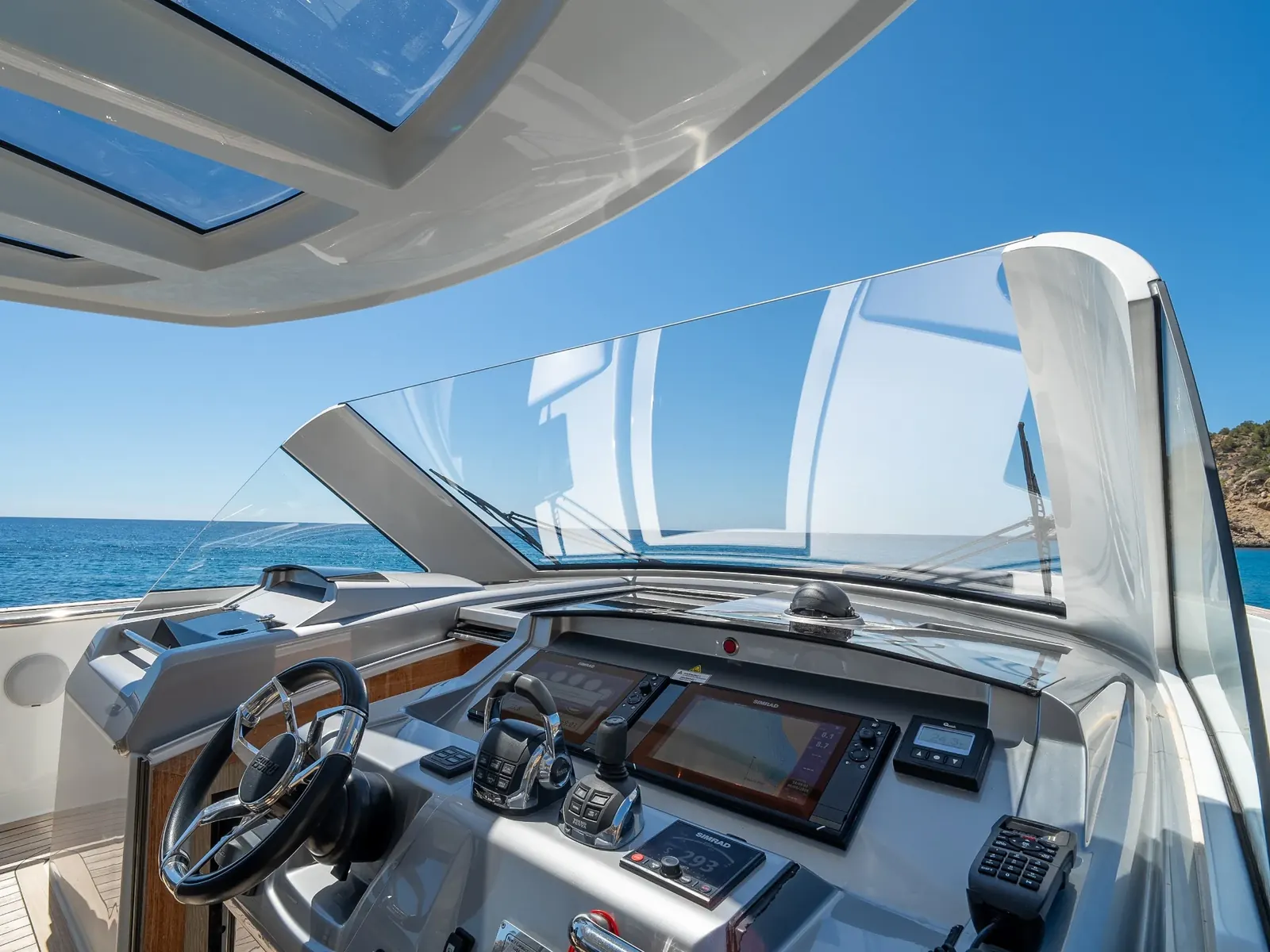
A dark chartplotter or a display that has lost its GPS position is rarely the display's fault. On most yachts the helm is a network: displays, GPS antenna, depth transducer, autopilot, radar, AIS, VHF and engine data all share information, and one bad connection can make several screens look broken at once. The helms on the Bluebnc Yachting fleet pictured on this site carry Garmin, Simrad and Raymarine displays, and the checks below apply to all three.
None of this replaces the manufacturer's installation manual. If the helm is under warranty, talk to the installer before opening anything.
How the helm is wired
On most modern yachts the electronics share data over NMEA 2000, an open standard from the National Marine Electronics Association. The physical layout is simple:
- A backbone: one trunk cable running through the boat.
- T-pieces along the backbone, with a drop cable from each T-piece to a device. Drop cables can be up to 6 m long, according to Garmin's NMEA 2000 technical reference.
- A terminator at each end of the backbone. Each is a 120 Ω resistor.
- A power feed, usually 12 V from a fused supply. The NMEA 2000 specification allows 9 to 16 V at the devices.
Raymarine's SeaTalkng and Simrad's SimNet use their own connectors but join NMEA 2000 networks through adaptor cables that both makers sell. Garmin uses standard NMEA 2000 connectors. Older equipment may still talk NMEA 0183, one device to another over a separate wire, often through a gateway.
Engine data usually reaches the displays through an interface or gateway from the engine's own electronics. When only engine data disappears, the gateway and its connection are the first suspects, not the display.
First checks a captain can make
- Power. Check the breaker and fuse for the display and for the network supply. A display that won't start at all is usually power.
- Restart the whole helm. Switch off the electronics, wait a minute, then power up the network before the displays.
- Data sources. Most multifunction displays let you choose which device supplies position, heading and depth. After a new device is fitted or the software is updated, check the selection still points at something that works.
- Device list. Every major display can show a list of what it sees on the network. A device missing from the list has lost power, its drop cable or its connector.
- Connectors. On flybridges and arches the connectors live in salt spray. Look for green corrosion, water inside, and connectors that are only half screwed home.
- What changed? A new display, a moved antenna, a software update or work in the console the week before is often the answer.
Testing the NMEA 2000 network
Two tests with a multimeter find most network faults. Actisense and Digital Yacht publish the method in detail.
- Termination. With the network power off, measure resistance across the two data wires at any spare connection. Two 120 Ω terminators in parallel read 60 Ω. A reading of 120 Ω means one terminator is missing. A reading of 40 Ω means there are three, often a device with a built-in terminator.
- Voltage. With the network powered, measure the supply at the power insertion point and at the far end of each backbone leg. It should never fall below 9 V. Digital Yacht suggests the drop along a well-designed network should stay within 1.5 V.
If both readings are good and the fault is still there, the usual next step is the half-split: disconnect half of the backbone, move a terminator to the new end, and see whether the fault stays with the half that's still connected. Repeat until it's down to one device, cable or T-piece.
Symptoms and where to look first
| Symptom | Likely area | First check |
|---|---|---|
| No GPS position on any display | GPS antenna or network | Position source selection, antenna in the device list, network voltage |
| Depth missing | Transducer or its interface | Depth source selection, transducer cable, fouling on the transducer face |
| Engine data missing on every display | Engine gateway | Gateway power and its drop cable |
| Data drops in and out on several devices | Network power or termination | The 60 Ω test, voltage at the far end of the backbone |
| One display dead, the rest working | That display's power or drop cable | Breaker, fuse, drop cable and connector |
| Autopilot heading alarm | Heading sensor | Heading source selection, compass calibration as the manual describes |
| Problems started after a new device was fitted | Termination, wiring or software | Count the terminators, compare software versions |
The VHF and its GPS feed
A DSC VHF radio takes its position from the GPS, usually over the network. If that feed is lost, a DSC distress alert may go out without your position. After any electronics work, check the VHF shows a current position. In Spanish waters Salvamento Marítimo keeps watch on VHF channel 16 and answers 900 202 202.
When to call us
Call when the network tests fail and you can't find the cause, when a fault comes and goes, after water has got into the console, or when new equipment has to be integrated with what's already on board. Electrical and electronics work is one of our core services: see marine electrical and electronics.
What helps us most: photos of the alarm or error screen and of the device list, the make, model and software version of the displays, and what changed recently. You can book a service online and upload them, and our AI technical intake will ask the follow-up questions while you're on board. For anything urgent, call +34 971 251 374 or WhatsApp +34 674 427 692 at any hour.
If the alarm on the screen is an engine alarm rather than an electronics fault, our guide to the first ten minutes after an engine alarm is the place to start.